
Workflows
Field Service Work Order Software: A Lifecycle Guide
Evaluate field service work order software from creation to invoicing. Compare dispatch, mobile usability and pricing, then run a one-week crew pilot.
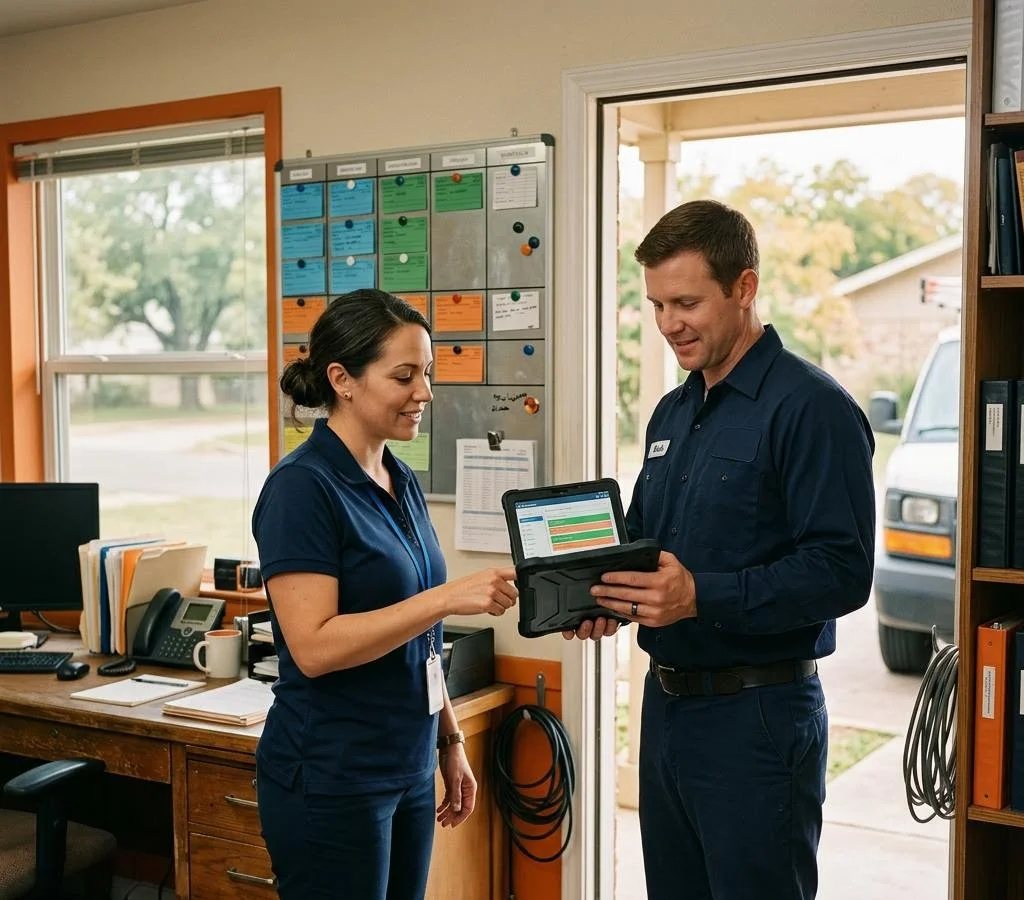
What should a work order lifecycle cover from creation to invoice?
The right field service work order software handles each stage of a job cleanly: estimates out the door fast, jobs booked without phone tag, techs dispatched with the right information, and invoices sent promptly with a way to pay. This guide evaluates tools stage by stage, with demo questions, a scoring worksheet and an honest look at where FieldTech fits.
A work order has four stages. Software should carry the information forward without making you retype it.
Stage 1: Creation (call, form or voice)
A job starts on a phone call, a website form or a tech dictating it. The tool should capture the customer, problem and equipment in one step. Voice-to-work-order input can help owner-operators get estimates out without leaving hours of paperwork for the evening.
Stage 2: Dispatch and scheduling
Once created, the job needs a slot and a tech. Look at calendar drag-and-drop, route order and whether you can override the schedule without fighting the software.
Stage 3: Completion in the field
Techs close jobs on their phones: photos, notes, parts used and a signature. If completion takes more taps than paper, techs may skip it. Test the exact workflow, not just a feature checkbox.
Stage 4: Invoice and payment
The finished job should become an invoice with reviewed pricing, signature and a payment option in a connected flow. Same-day payment is a possibility, not a guarantee. FieldTech turns voice notes into editable work orders and invoices for human review, with digital signatures and QR payments. See the FieldTech comparisons for more context.
Which work order features matter most for dispatch-heavy teams?
Dispatch becomes more demanding once several techs share the board. Three things matter: how fast a job gets assigned, whether you can see its status without calling anyone, and whether the schedule survives a same-day emergency.
Drag-and-drop vs auto-dispatch
| Capability | What adequate looks like | What good looks like |
|---|---|---|
| Assignment | Drag a job onto a name | Drag-and-drop plus suggested assignment by zone or availability |
| Reschedule | Rebook and hope the tech sees it | A notification with updated job details |
| Emergency insert | Shuffle everything by hand | Visual gap-spotting to slot the job into the day |
Auto-dispatch can help, but a suggestion with a one-tap confirmation may suit a small crew better: you know the routes and customers. Ask vendors to demonstrate the trade-off between automation and your control. The Workiz comparison provides a starting point, not a substitute for a live demo.
Status visibility without calling the tech
Look for clear en-route, arrived and completed states tied to the job record, not buried in texts. Ask who changes each status, whether updates are automatic or manual, and how quickly another person sees the change. Do not assume FieldTech automatically infers job status or financial margin from field activity.
If techs work in dead zones, live updates cannot arrive without connectivity. Offline capture with sync-on-return is a separate capability to verify in the exact plan and device you would use.
How do you evaluate mobile usability for technicians in the field?
Run the demo on your own phone, outside, in sunlight, with work gloves on. If a tech needs a stylus or a desk to close a job, the software may lose to paper.
Offline behavior and photo capture
Basements and new construction sites can kill cell signal. Ask the vendor to put the phone in airplane mode mid-job and then reconnect. Does the work order sync without data loss? Can the tech attach before-and-after photos offline? Does the app clearly show what is still pending?
A mobile app label does not establish offline support. Verify that the features you need are included in the tier you would actually buy. The G2 field service software guide can help you build a shortlist, but check current vendor documentation and your own test results.
Voice input as a data-entry shortcut
Typing service notes on a cracked screen in a crawl space is where after-hours paperwork starts. Test voice input on a completion note and an invoice line item. Check names, quantities, parts and prices before approving the draft. FieldTech is built around voice-first capture, and it is a fair question to put to every vendor, including us.
If you are comparing a broader platform, use the ServiceTitan comparison to frame questions about the same lifecycle stages.

How do pricing models differ across work order platforms?
Flat plans, per-user seats and per-feature add-ons behave differently at 1–10 techs. Flat pricing is predictable but may include capacity you do not use. Seat-based plans scale with headcount. Add-on models start low, then payments, automation or reporting can appear as separate charges.
Where per-feature pricing adds up
As an illustration, a $50 base plan could become $150 after required extras. Those figures are not a quote for any named vendor. Ask about payment processing, reporting, marketing tools, setup, training and annual commitments. Compare the full bill, not just the advertised starting price.
The bill-shock moment: what triggers it?
Check what changes when you add users, a second location or payment collection. Ask every vendor, including FieldTech, to price your exact team size with all required features enabled.
FieldTech Standard is $29.99 per month equivalent, billed $359.88 annually, for up to five users; it is not a monthly-billed $29.99 plan. Unlimited is $600 per month. Taxes may apply. Check the current pricing page for availability and terms. If your crew exceeds five users, compare the appropriate full-team plan rather than assuming Standard covers everyone.
Use the Housecall Pro comparison as another prompt for a like-for-like quote.
What questions should you ask during a software demo?
Creation and dispatch questions
Ask the vendor to create a work order live from a phone call in under two minutes. Then ask what happens when a customer calls at 7 p.m.: can the job be booked without phone tag the next morning? Vendors show their best path, so insist on a messy one: an existing customer, a repeat issue and equipment history.
Completion and invoicing questions
The moment that separates a polished demo from a useful one is invoicing. Ask:
“A tech just finished the job, and the customer is standing there with a card in hand. Show me the exact taps from marking the job complete to a paid invoice with a signature and payment in one flow.”
If that takes more than a minute of screen time, or the vendor switches to a clean test job, you have learned more than a feature list could tell you. Ask whether invoice drafts can be built by voice and what happens when a photo upload fails on a site with one bar of signal. Failure behavior is worth asking about directly.
Pricing and data-export questions
Ask for the total at 10 users with every demonstrated feature enabled, then verify the written quote against the vendor's pricing page. Ask what it costs to leave and whether you can export every customer, job and invoice record in a usable format, including attachments where required.
Try the same questions against FieldTech: explore the demo or request access. Confirm support for the exact payment and export workflow you need rather than assuming it.
When is it time to replace spreadsheets or paper work orders?
Count the hours first. If you spend 30 minutes a night retyping job details, chasing status texts or rebuilding invoices from memory, that is paperwork software may help reduce. Across 20 workdays, 30 minutes a day adds up to 10 hours a month.
Watch for these signals:
- Estimates sit in a notebook instead of going out the same day.
- Customers call asking when the tech is coming because nobody tracked the booking.
- Invoices go out days after the job, delaying the opportunity to collect payment.
- You cannot say which jobs made money without an evening with a calculator.
- A tech misses equipment history and diagnoses a repeat problem from scratch.
Compare the actual value of time saved and missed work recovered with the full subscription cost; one unpaid invoice does not automatically prove a year's return. If two or more signals sound familiar, run the pilot below before your busy season.
For the financial side, read our job costing guide. A useful margin calculation needs reviewed costs and independently accepted or paid revenue, not just a work-order cost total.
How do you pilot new work order software without disrupting operations?
Run one crew, one week
Pick your busiest tech, not your easiest job. Enter tomorrow's schedule in the pilot tool, run that crew's workflow through it and invoice completed jobs that evening where practical. Keep your existing system available as a fallback, and nominate one authoritative record so parallel systems do not create duplicate customer invoices or payment requests.
Track three numbers daily: time to get an estimate out, time from job completion to invoice sent, and minutes spent on after-hours paperwork. Record a baseline before the pilot. If the new tool does not improve those measures by week's end, investigate the cause before rolling it out.
Migration checklist
- Export and back up existing records before making changes.
- Confirm import support and map customers, open jobs and equipment history first.
- Keep closed history accessible in the old system or a secure export.
- Test one estimate, one invoice and one payment end-to-end with test data or a clearly agreed test transaction.
- Verify totals, attachments, access permissions and rollback arrangements before day one.
Retain records according to your legal and accounting obligations. Do not delete the source system merely because an import reports success.
How does FieldTech score against this lifecycle framework?
Where FieldTech fits: creation and invoicing
FieldTech's core workflow is voice-to-note and voice-to-invoice: dictate job details, review the editable draft, and use supported signatures and QR payment options. That can reduce retyping between field notes and customer paperwork. It does not guarantee same-day payment or automatically establish job profit.
Where to test carefully
If your week depends on a drag-and-drop dispatch board, complex reassignment, offline photo sync, deep equipment maintenance history or enterprise reporting, ask for a live demonstration of those exact needs. FieldTech's GPS route optimizer and customer booking portal should not be mistaken for proof of every dispatch or scheduling capability.
Evaluate dedicated platforms such as Jobber, Workiz or ServiceTitan against the same evidence rather than assuming a winner by company size. FieldTech is a candidate for small crews prioritizing voice-first paperwork; the right plan and fit depend on your team and workflow.
A simple demo scoring worksheet
Score each stage from 1 (cannot complete your real task) to 5 (works cleanly with no retyping). Leave it unscored until you have seen the workflow on your device. Weight your biggest bottleneck more heavily.
| Stage | Evidence to capture | Your score |
|---|---|---|
| Creation | Customer, problem and equipment captured; draft reviewed | ___ / 5 |
| Dispatch | Assignment, emergency reschedule and visible status | ___ / 5 |
| Completion | Notes, parts, photos and connection-loss behavior | ___ / 5 |
| Invoicing | Reviewed price, signature, payment and export | ___ / 5 |
FAQ
There is no single winner. Choose by the stage that hurts most: dispatch, mobile completion or invoicing. Compare real demos and full-team quotes. FieldTech is a candidate for crews prioritizing voice-first job notes and reviewed invoices; dispatch-heavy teams should test dedicated scheduling workflows carefully.
It depends on seats, features, billing commitments and processing fees. Ask for the total with every required capability enabled. FieldTech Standard covers up to five users at $29.99/month equivalent, billed $359.88 annually; taxes may apply. Count all users, including office staff, and check current pricing and terms.
Yes, when completion and invoicing form a connected workflow. Ask for the exact steps from completed job through reviewed pricing, signature and payment collection. Sending an invoice the same day is not a guarantee the customer will pay it that day.
Truck count alone cannot answer that. Evaluate operational complexity, reporting needs, implementation effort and the actual full-team quote. Compare a broader platform with lighter tools using the same real jobs and pilot measurements; do not assume a price or return without evidence.
Insist on the messy path. Create a work order from a live scenario, test a repeat issue with equipment history, put the phone in airplane mode to check failure and recovery, and request pricing for every required feature at your real team size. Ask what it costs to leave and whether every record can be exported.
Further reading
Outside resources for context. Listing them isn't an endorsement, and product details change — check the current source.
- FieldTech pricing and billing terms
- FieldTech software comparisons
- Job costing for small home-services shops
- G2: field service management software guide
- Jobber: current vendor pricing
- Small Business Administration: business resources
Features and pricing change. Verify the plan, device, connectivity requirements and export options in a live demo. Illustrative prices are not vendor quotes, and no payment timing or savings is guaranteed.